Every core.
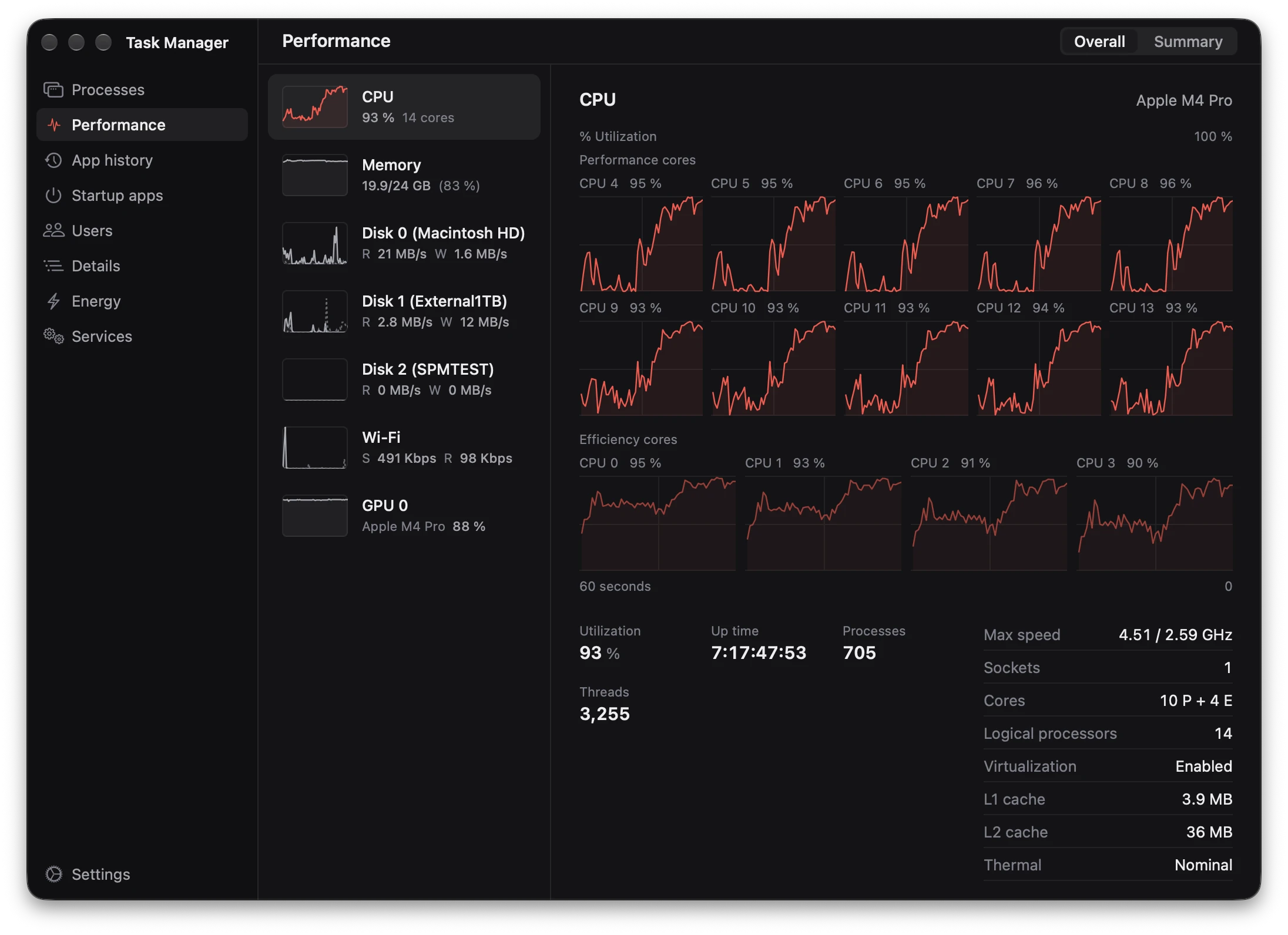
Right-click the CPU chart for one graph per core, the performance cores first.1

 Task Manager Pro
Buy now
The Windows Task Manager you know, rebuilt as a fast, native Mac app.1

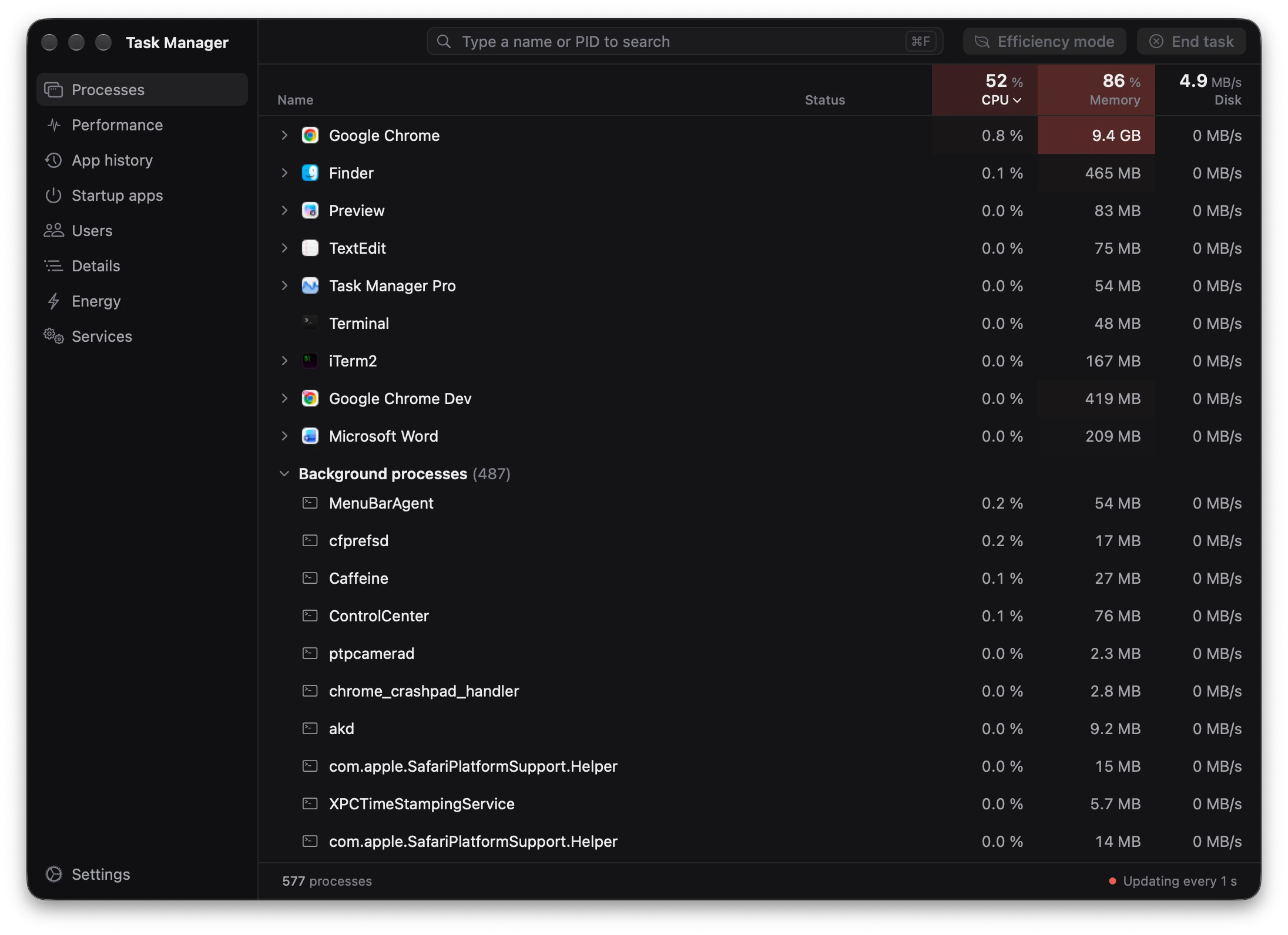
Right-click the CPU chart for one graph per core, the performance cores first.1
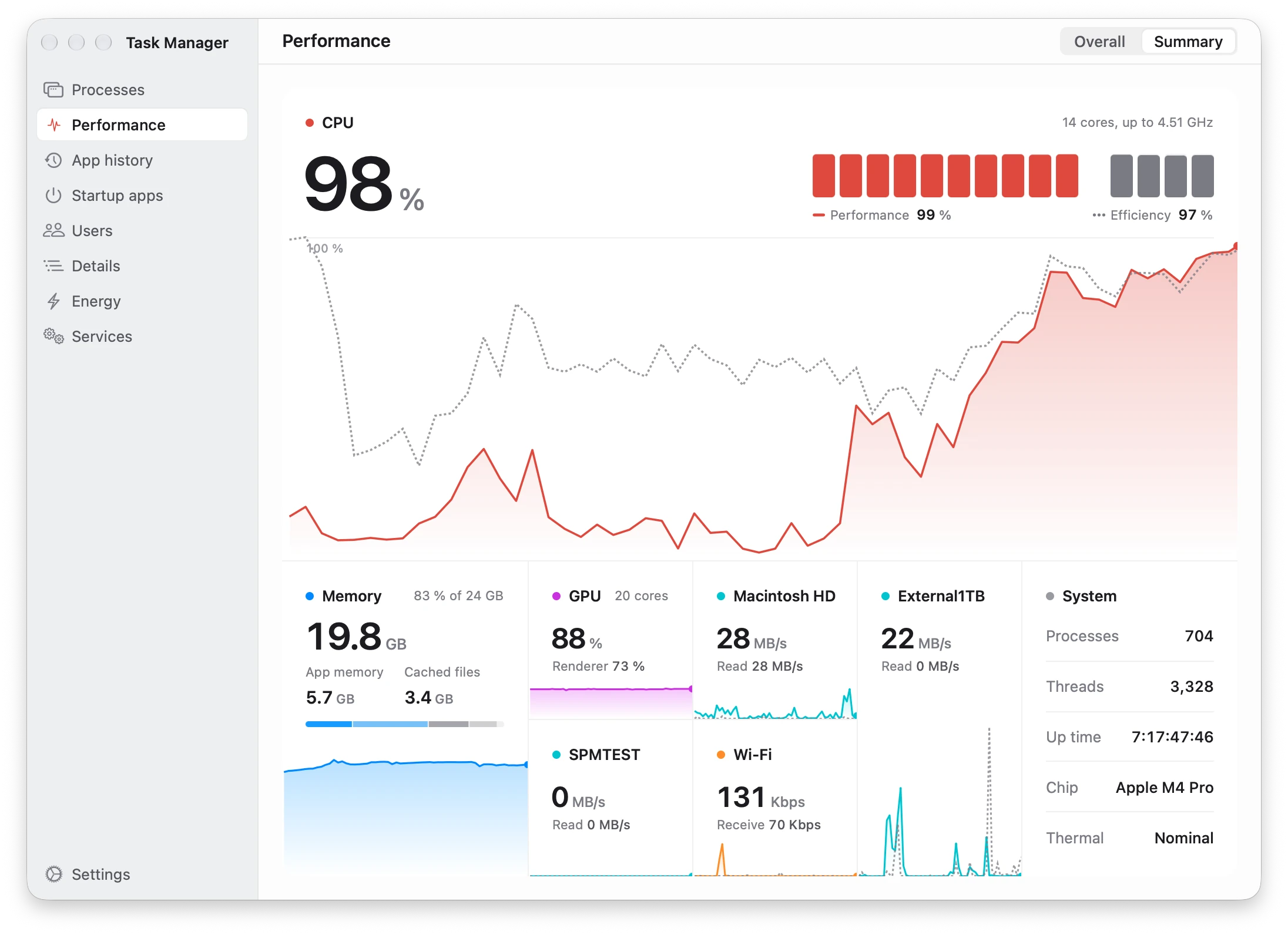
CPU, memory, GPU, disks, and Wi-Fi on one calm grid you can leave open.1
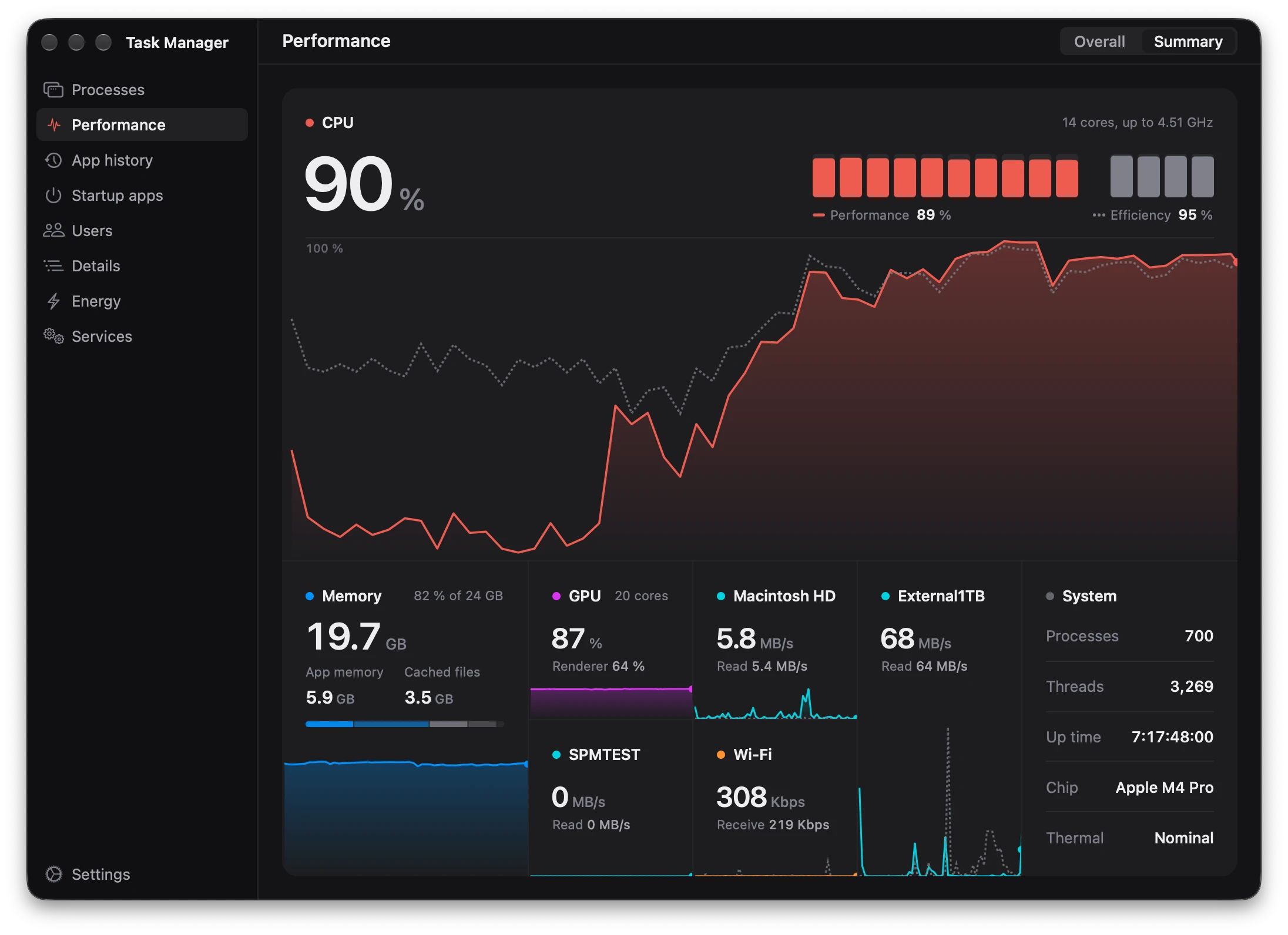
What is used, cached, and compressed, with the pressure as a small graph.1


Hide the title bar and the Summary window becomes a thin live strip, always on top.1
Profile your app on a screen recording, and the strip on top shows what each run costs.1

One look, in the Linear style. It follows your Mac.1
Was $14.99 $9.99 launch price. Ends in 14 days

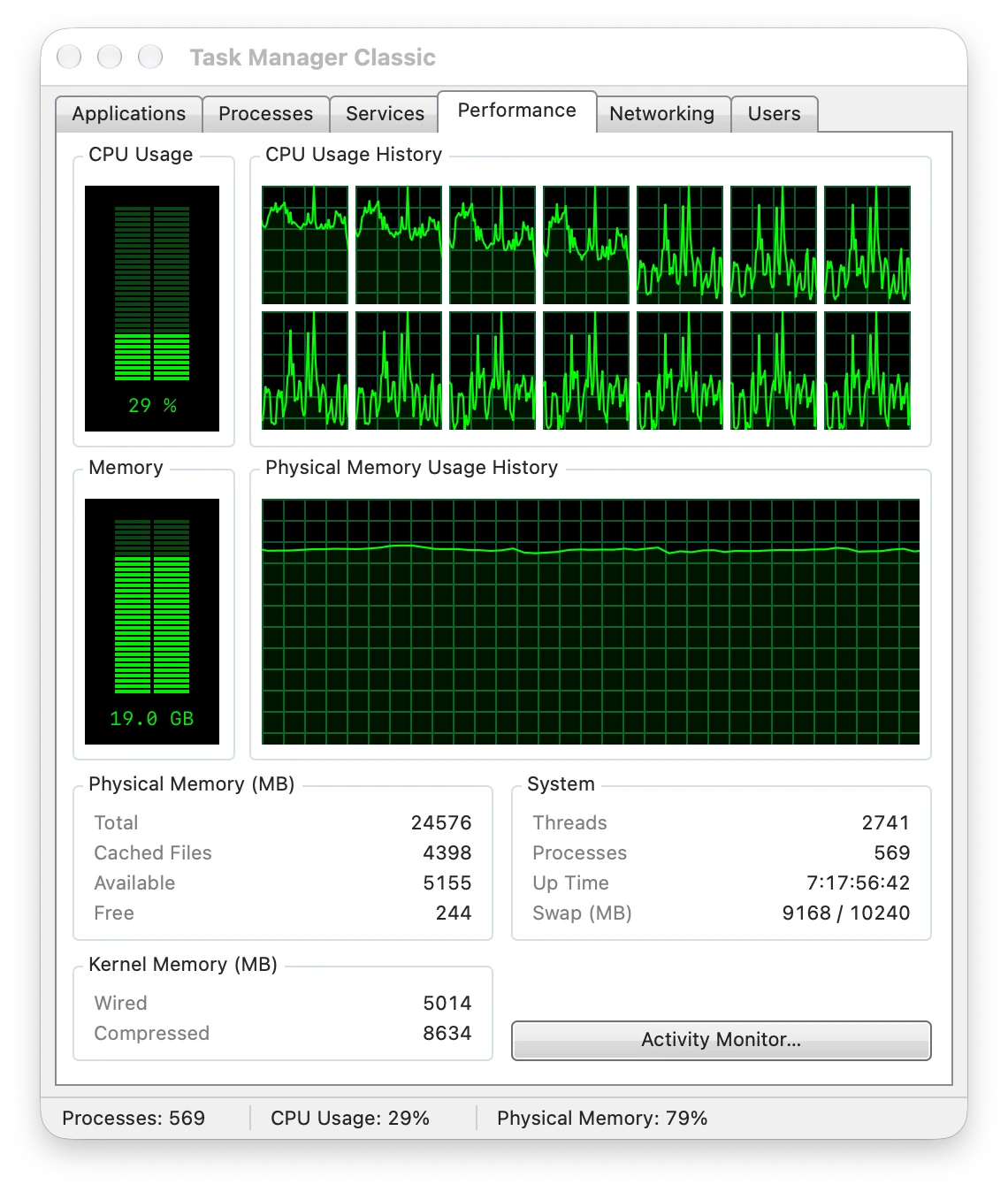
The Windows 7 Task Manager, as a tiny, fast Mac app.1